Panels
LinkCode's right panel has six sections — Diff, Terminal, Browser, Files, Simulator, and Resources — plus a second terminal dock along the bottom of the window.
Next to the conversation, LinkCode has a right panel with six sections — Diff, Terminal, Browser, Files, Simulator, and Resources — plus a second terminal dock along the bottom of the window. Each section works against the working directory of the active thread. Terminal and Browser open multiple tabs; any section can go fullscreen.
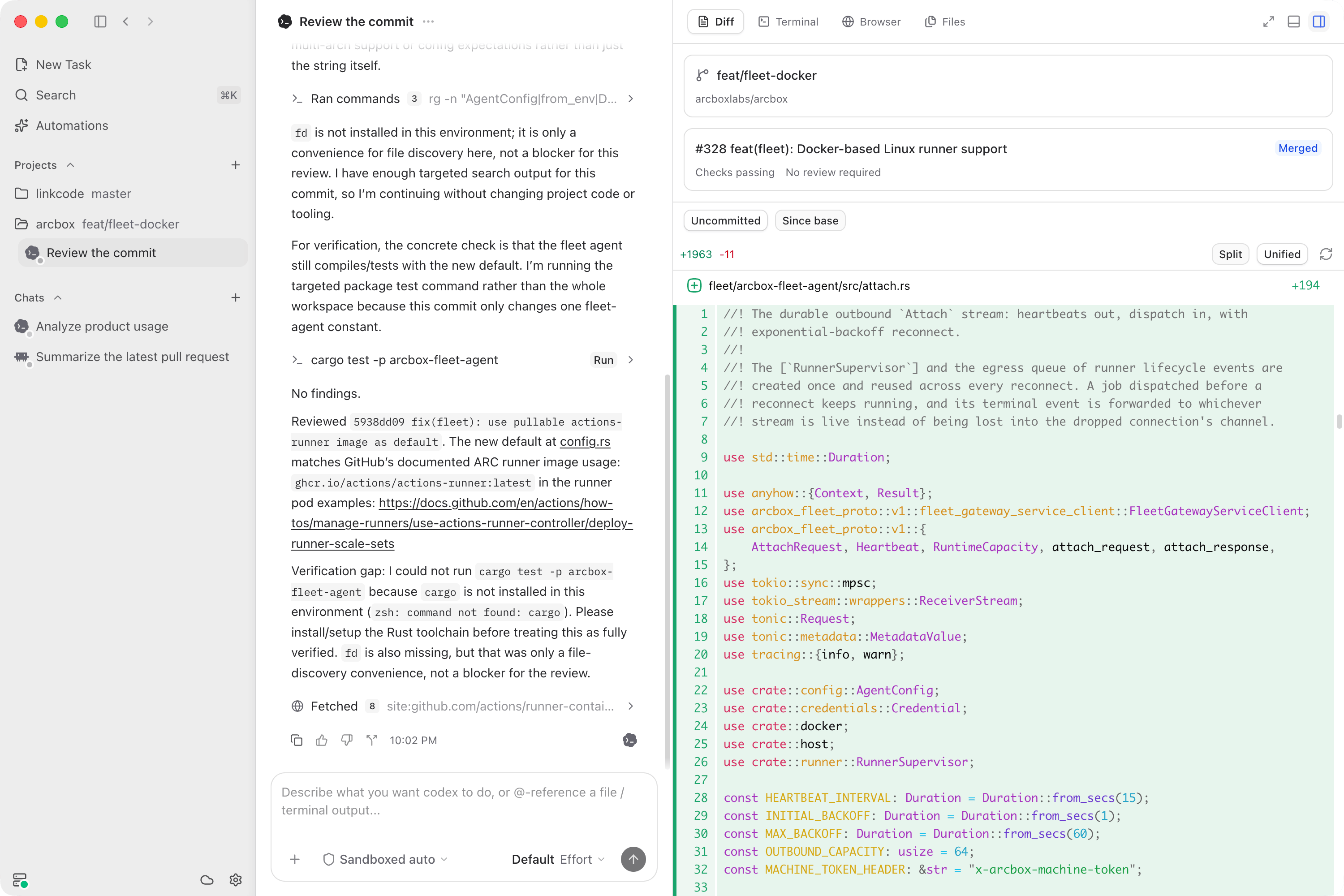
Diff
The Diff section has two parts: a Git overview at the top, and a diff viewer below it.
Git overview. Shows the current branch, how far ahead or behind its remote it is, a changed-file count, and (if the directory has a remote) pull request status with its checks and review state. Pull request status requires the GitHub CLI (gh) installed and authenticated on the host machine — if it isn't installed, or is installed but not logged in (gh auth login), the panel says which of the two is missing instead of silently showing nothing.
Diff viewer. Shows the working directory's changes with two independent toggles: Uncommitted (the default) vs. Since base — comparing against the base branch, only available when the directory has a remote — and Split vs. Unified layout. Very large diffs are truncated with a warning rather than rendered in full.
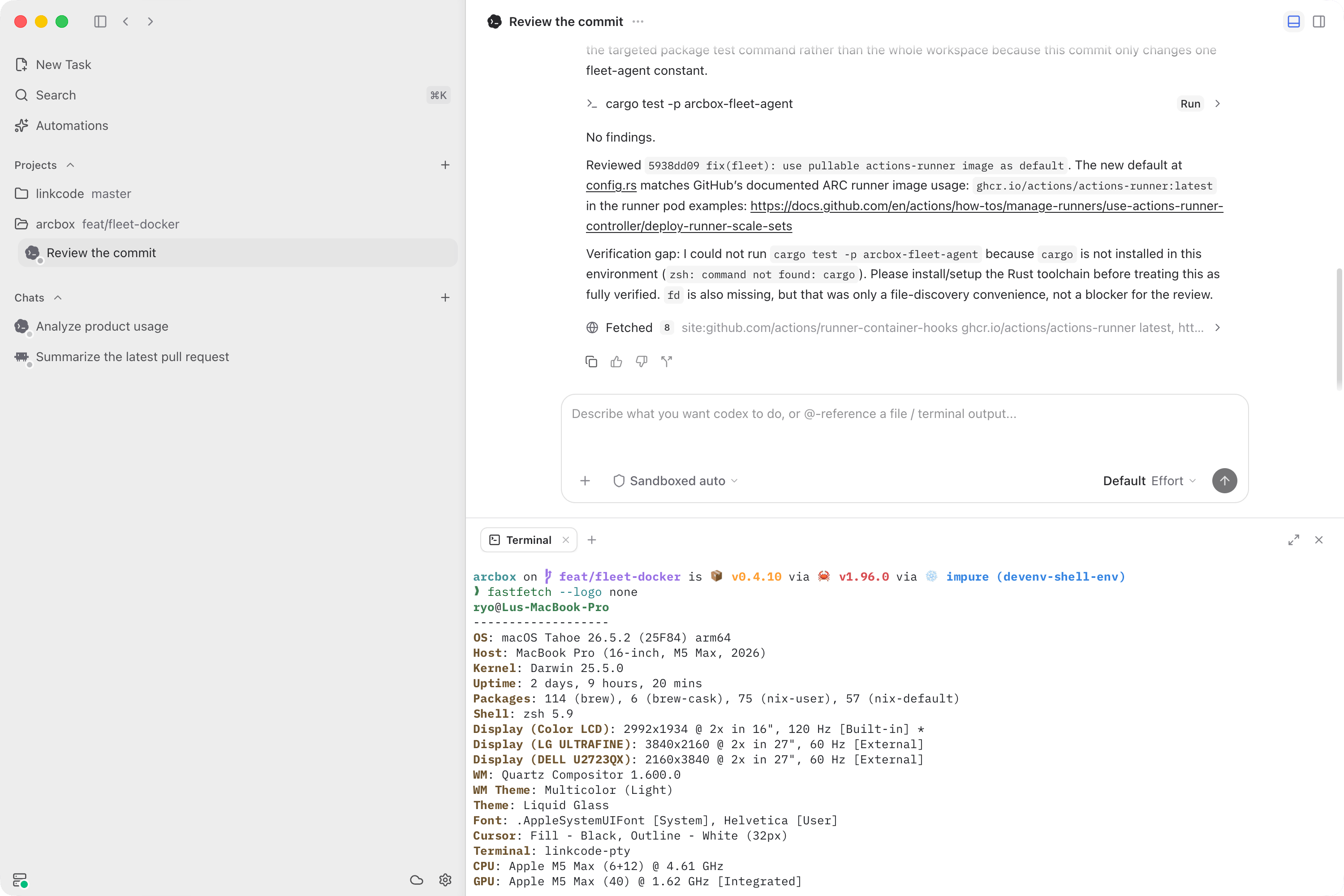
Terminal
A full interactive terminal, not a log viewer — run any command, use full-screen TUIs, open several tabs. It renders Nerd Font, CJK, and emoji glyphs when your system has a matching font, and its font and color scheme are configurable in settings.
If a workspace declares a script in linkcode.json, LinkCode can open an "attached" tab that jumps straight to that script's live output — see services and previews.
When more than one client is attached to the same host, a terminal can be driven from only one of them at a time; the others show it read-only with a Take control button.
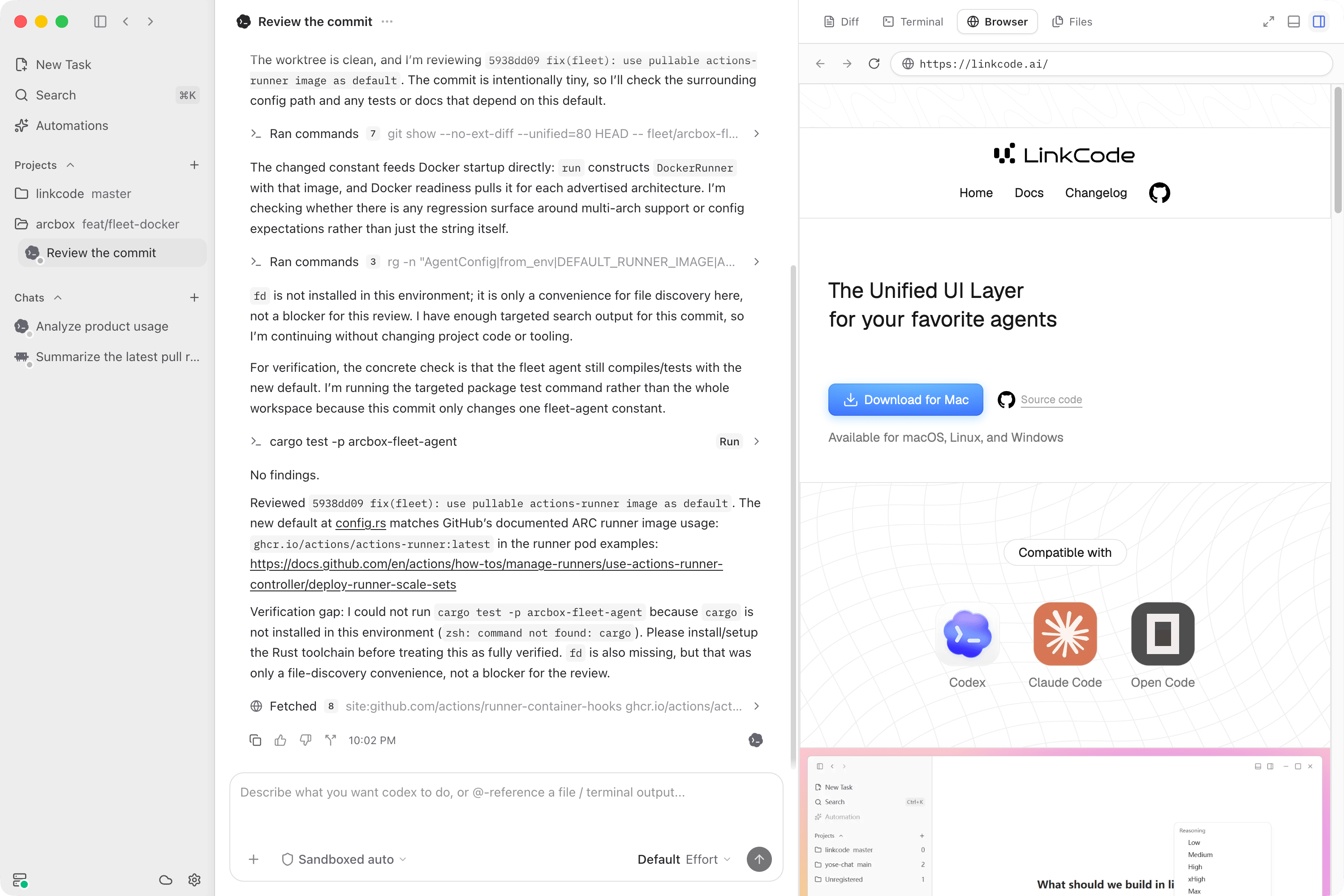
Browser
An embedded browser for local previews and other web pages, with tabs, an address bar, back/forward, reload, find-in-page, zoom, downloads, and DevTools. It only loads http:// and https:// addresses — anything else in the address bar is rejected. Links that a running service exposes open here automatically; you can also type any address by hand.
Files
A file tree for the thread's workspace, with search, alongside the files you've opened from the conversation — an artifact card, a diff, a file the agent produced — as tabs. Markdown, images, PDF, and plain text render as real previews; anything else shows an "unsupported" notice instead of its contents. Which side the tree docks to is a setting.
Simulator
On macOS, LinkCode can boot iOS simulators and stream them into the panel, so you and the agent see the same running app.
Pick a device and press Boot. The stream is interactive — tap, scroll, pinch, type, rotate, Home, lock — and you can take a screenshot, record the screen, or tune frame rate, resolution, and encoding. A thread can hold up to four devices at once as tabs, and Detach leaves a device running when you're done with it.
Agents can drive a booted device too, but only with your consent: the first time an agent reaches for a device, LinkCode asks, and you can revoke the permission at any time from the panel. A badge marks the device while an agent is using it.
If Xcode, an iOS runtime, or a simulator device is missing, the panel lists the remaining steps and ticks them off as you complete them — including downloading the runtime for you.
Resources
The working set for a thread: Sources — files you attach, plus the web pages the agent pulled in as it worked — and Outputs, the files it produced. Add a source from disk, then open, download, or remove any resource. Individual resources are capped at 8 MiB.
Bottom terminal dock
The panel along the bottom of the window is a second terminal dock. Only terminal tabs render real content there — placing a Diff, Browser, or Files tab in the bottom dock shows an empty placeholder instead. Use the right panel for those.